The Illusion of Progress: When AI Slows You Down
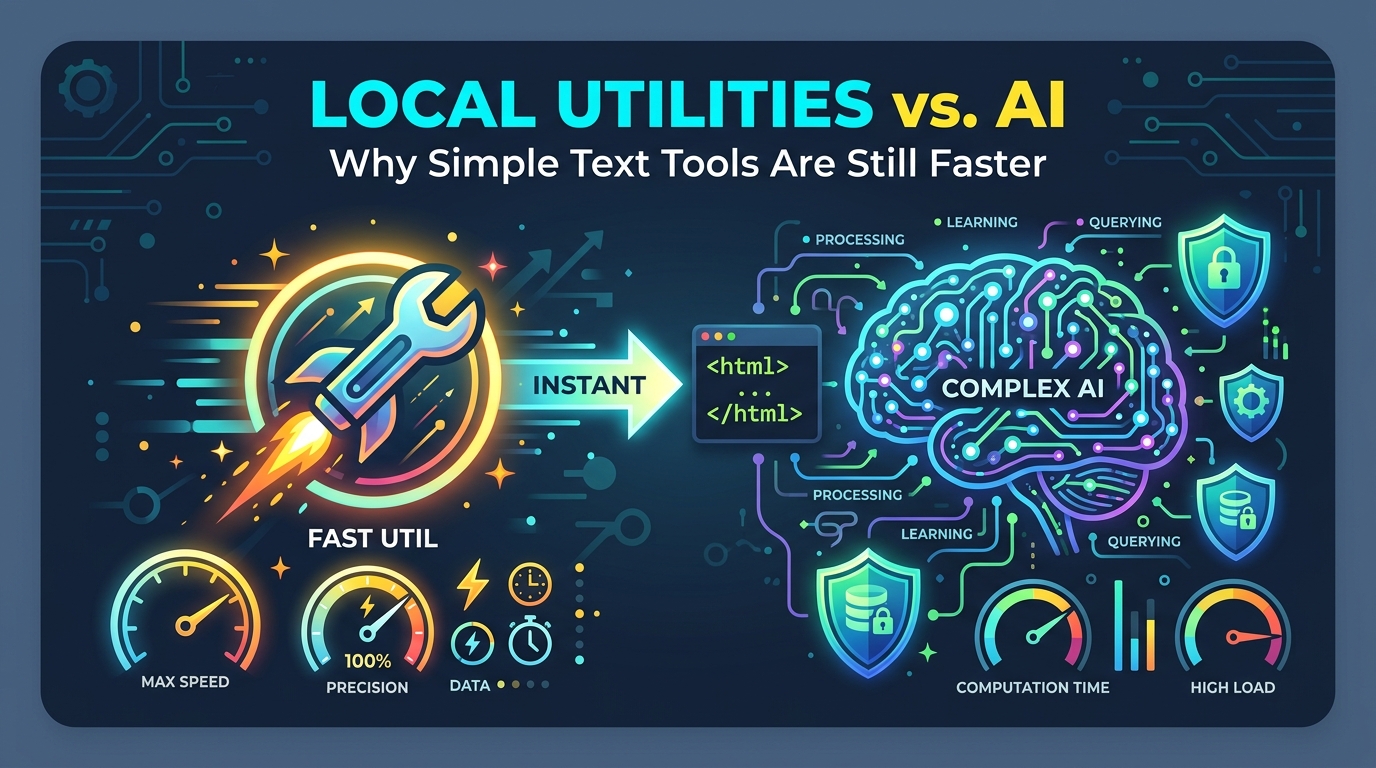
It is tempting to think that artificial intelligence is the solution to every digital problem. Need to count words? Ask ChatGPT. Need to change text case? Ask Claude. However, for specific, repetitive formatting tasks, AI is often the slowest path to the finish line.
To use an AI tool, you must first navigate to the site, log in, and formulate a prompt. You wait for the model to 'think,' and then you often have to check its work for accuracy. For a task like 'convert this list to lowercase,' you've spent 2 minutes on a task that should take 2 seconds.
The cognitive load of prompting is also significant. You have to ensure the AI doesn't 'helpfully' rewrite the content you were just trying to format. This struggle for control is eliminated with simple local utilities.
The AI Hallucination Problem in Utilities
One of the biggest hidden dangers of using AI for text utilities is its lack of determinism. AI models are probabilistic engines; they predict the next most likely word or character based on a massive dataset. They are not calculators.
If you ask an AI to count the words in a 5,000-word document, it might get it wrong by hundreds of words because it 'summarizes' or 'predicts' the count rather than executing a literal string length function. For academic or professional work where precision is mandatory, this is a deal-breaker.
In contrast, local tools like our Word Counter use standard JavaScript libraries that execute exactly the same way every time. They don't 'think'—they calculate. This mathematical certainty is what professional editors and developers rely on to ensure their work meets strict character and byte limits.
Zero-Latency Performance and Browser-Side Execution
Every time you send a prompt to an AI, you are sending your data across the internet to a server farm somewhere else in the world. This introduces latency—the 'Thinking...' spinner we've all become accustomed to. For bulk tasks, this latency compounds, turning a quick fix into a waiting game.
Local utilities like TextToolsStudio run entirely on the client side. Your computer's processor handles the work instantly. There is no server round-trip, no API timeouts, and no waiting for a queue. This 'instant-on' experience is essential for maintaining a high-velocity creative workflow.
Privacy: The Unspoken Cost of AI Utilities
When you paste text into an AI, that data is frequently used to train future models. If you are cleaning a list of internal client emails or formatting a sensitive JSON configuration file, you are essentially'gifting' that data to the AI provider. In corporate environments, this can be a serious breach of security policy.
Because our tools process data locally, your text never leaves your browser's memory. Once you refresh the page, the data is gone forever. This 'Privacy by Design' approach is why developers handling private API keys or writers working on confidential manuscripts choose local tools over cloud-based AI every time.
Deterministic Workflows for Developers
Developers need tools that behave predictably. When you use a JSON Formatter, you expect a specific indentation style and valid syntax. When you use a Slug Generator, you expect specific URL-safe character replacements.
By using local, dedicated utilities, you eliminate the 'black box' element of AI. You don't have to worry about the model being updated and changing its output format next Tuesday. The tool you use today will behave exactly the same way six months from now, allowing you to build reliable habits and automated scripts around them.
The Rise of the 'Pro-Tool' Movement
We are seeing a resurgence of high-quality, single-purpose web tools. These 'Pro-Tools' focus on extreme speed and perfect reliability. They don't try to be your friend or write your next novel; they simply do the job they were designed for without friction.
As we move further into a world dominated by complex AI, the value of these 'simple' tools only grows. They provide a predictable baseline of utility that allows us to focus our creative energy on the AI-enabled tasks that actually require it.
Conclusion: Pick the Right Tool for the Job
AI is an incredible partner for brainstorming, creative writing, and complex reasoning. But for the core 'maintenance' of text—counting, cleaning, formatting, and converting—local, browser-based utilities are faster, safer, and infinitely more accurate. Bookmark your favorite utilities and stop wasting time on the 'Thinking...' spinner.