The High Cost of 'Dirty' Data
In the digital age, text is our most common medium of exchange. Yet, text is often born messy. Hidden characters, inconsistent line breaks, extra spaces, and 'smart quotes' can break code, ruin database imports, and cause professional documents to look amateurish.
Text cleaning isn't just a cosmetic task—it's a fundamental part of data integrity. Whether you are prepping a marketing email list or cleaning a dataset for a machine learning model, the quality of your output is capped by the quality of your input (the classic 'Garbage In, Garbage Out' rule).
Common Text Culprits: What to Look For
The most frequent issues in raw text include: 1. **Multiple White Spaces**: Often caused by double-tapping the spacebar or copy-pasting from PDFs. 2. **Inconsistent Line Breaks**: The battle between Windows (CRLF) and Unix (LF) systems can create 'phantom' lines in your code. 3. **Trailing Spaces**: Invisible spaces at the end of a line that can cause validation errors in forms.
Manual cleaning for a 10-page document can take hours. Automation is the only way to scale your content production without sacrificing the 'polish' that your brand deserves.
The Power of Regular Expressions (RegEx)
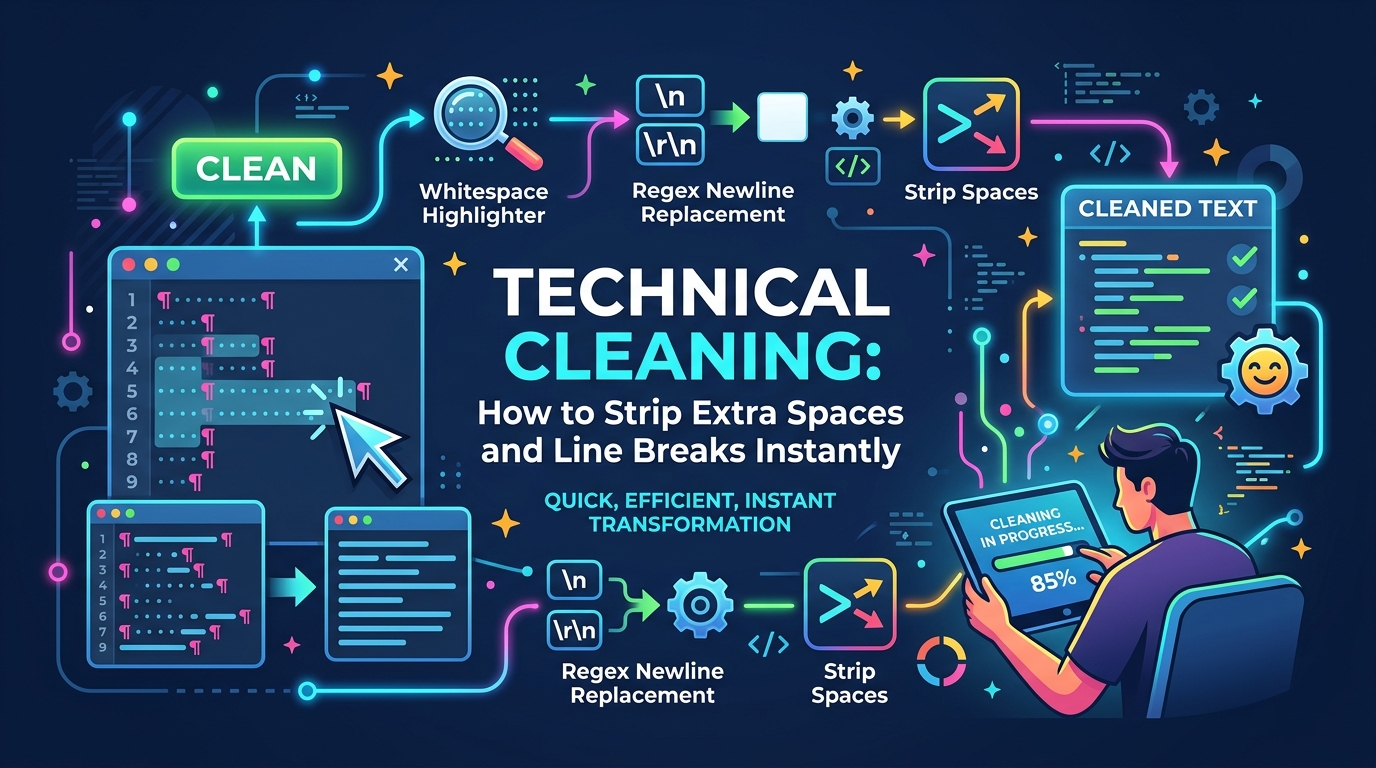
Professional text cleaning often involves Regular Expressions. These are essentially 'search and replace' on steroids. For example, a single RegEx string like `\s{2,}` can instantly identify every instance where two or more spaces exist and collapse them into one.
While RegEx is powerful, it has a steep learning curve. This is why we built our Text Cleaner tool—to give you the power of advanced string manipulation without needing to write a single line of complex code. Just one click, and your text is pristine.
Case Study: Cleaning PDF Text for a Blog
Have you ever copy-pasted text from a PDF, only to find that every line has an forced carriage return? To fix this, you need to strip the line breaks but keep the paragraph breaks. This requires a two-step process of identifying double-returns (paragraphs), replacing them with a temporary placeholder, stripping all single returns, and then restoring the paragraphs.
By mastering these 'shuffling' techniques, you can repurpose content from old reports, ebooks, and documents in minutes rather than days.
Summary: Polished Text is Professional Text
Little details matter. When a user sees a document with perfect spacing and clean formatting, they subconsciously trust the information more. Don't let your hard work be overshadowed by preventable formatting errors.