
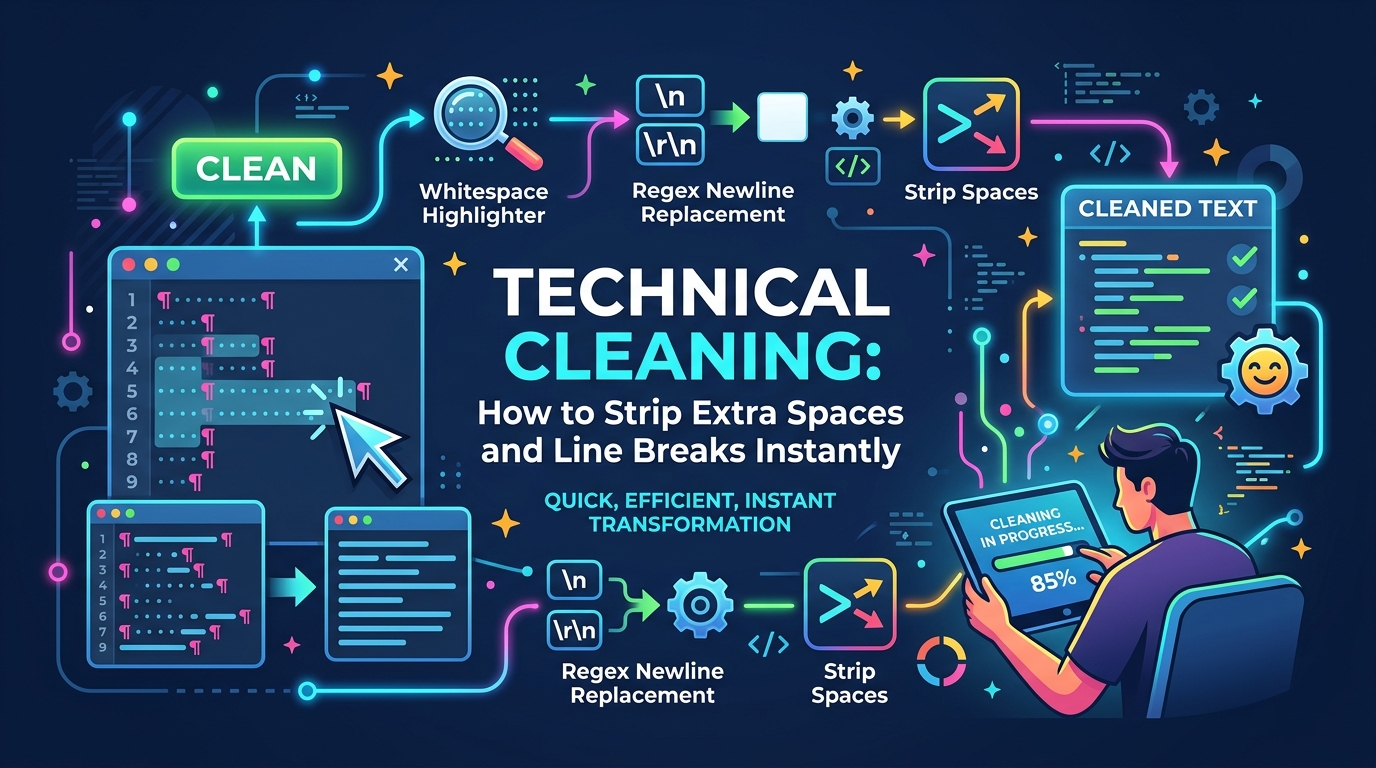
The Frustration of 'Dirty' Digital Text
Text cleanup is one of the most tedious tasks in the modern digital workspace. Whether you are migrating an old database, cleaning up OCR-scanned PDFs for a project, or simply copying a quote from a poorly formatted website, you've likely encountered the problem of 'dirty' text.
Extra spaces, double line breaks, trailing tabs, and inconsistent carriage returns might seem like minor aesthetics, but they create significant functional problems when it comes to styling, SEO performance, and professional credibility. 'Clean' data is the foundation of high-quality work.
Why Excess Whitespace is a Hidden SEO Risk
Search engine crawlers like Googlebot analyze the HTML and raw text content of your page to determine its quality and relevance. If your content is littered with non-breaking spaces, excessive newlines, or invisible formatting characters, the 'readability' score of your code decreases.
Clean, well-structured text isn't just about appearance; it's about making your content as accessible as possible to both human readers and search engine machines. A 'clean' block of text translates into efficient HTML, which is a core component of technical SEO. In a competitive market, estos small details can affect your page's ranking.
Mastering the 'Remove Extra Spaces' Tool
Manually searching for double spaces (e.g., typing ' ' into a Find/Replace box) is an impossible task for long-form content. You're bound to miss some, leading to an inconsistent look. Our 'Remove Extra Spaces' tool uses a regex-based (Regular Expression) approach to identify every occurrence of multiple consecutive spaces and collapses them into a single, standard space instantly.
It also performs 'trimming'—removing any spaces at the very beginning or end of your text block. This is absolutely critical for data entry into a CMS like WordPress, where a trailing space in a Title field can occasionally break a URL slug or cause a 404 error.
Reclaiming Your Document Structure
Documents copied from legacy PDF files often feature 'hard' line breaks at the end of every line, regardless of where the logical paragraph actually ends. This is a relic of older printing formats, and it makes it impossible to resize or re-flow the text in your own document.
Our 'Remove Line Breaks' tool allows you to strip these forced breaks while intelligently preserving the double breaks that indicate a new paragraph. This turns a fragmented, unreadable mess back into a fluid, editable document in a single click, saving you hours of manual 'Backspace-Space' cycles.
The Importance of 'Pure' Data Entry
If you are a developer importing a list of names or products into a SQL database, even one extra space can cause duplicates or failed lookups. Cleaning your data before import ensures that 'Apple' and 'Apple ' are recognized as the same entity. Technical cleaning is about more than just beauty; it's about data integrity.