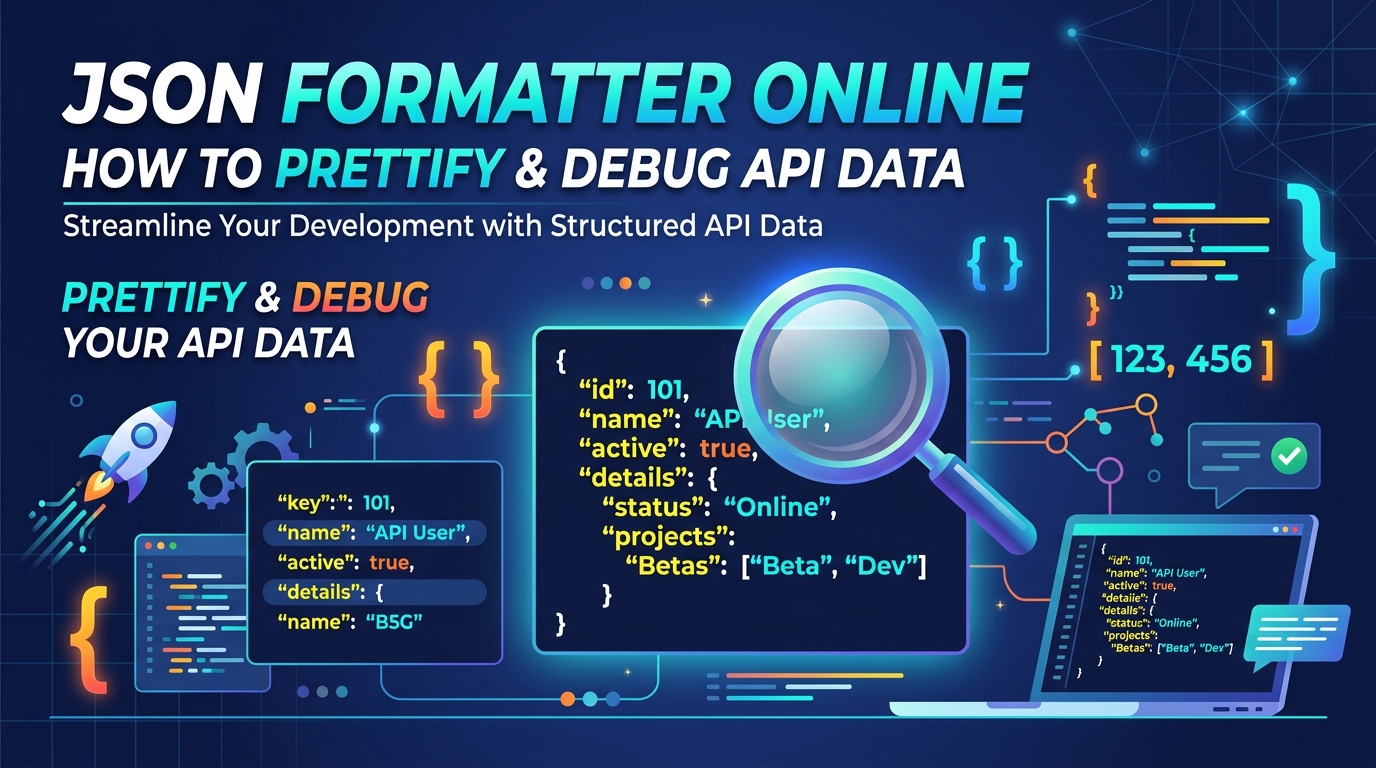
Why Minified JSON Needs Formatting
As APIs became the backbone of the internet, developers started spending a serious share of their day looking at JSON. Minified JSON is great for machines — it's fast and small — but it's nearly impossible for humans to audit. A JSON formatter turns that single 3,000-character line into an indented tree where the structure is visible at a glance.
Seeing the data's shape clearly is half of debugging: a field nested one level deeper than you expected, an array where you assumed an object, a null where the documentation promised a string. All of these are invisible in minified form and obvious in formatted form.
The Three-Step Debug Workflow
When an API response 'looks wrong', the fastest diagnostic loop is: format it, read the structure, then validate your assumptions. Paste the raw response, click Format, and compare what you see against what your code expects — key names, nesting depth, and types.
The validate step matters when the JSON won't parse at all. A real parser tells you the input is malformed instead of silently producing garbage, which turns 'why is my app broken?' into 'there's a syntax error in this payload' — a much smaller problem.
The Errors You'll Actually Hit
JSON is stricter than JavaScript, and nearly every validation failure comes from the same short list: a trailing comma after the last item, single quotes instead of double quotes, unquoted keys, comments (JSON has none), or a raw value like NaN or undefined that JSON doesn't recognize.
These mistakes usually enter through hand-edited config files or code snippets pasted as data. If you edit JSON manually, validating before you deploy is the cheapest insurance available — a broken config that ships is a production incident; one caught in a formatter is a ten-second fix.
Prettify and Minify Are the Same Trip in Opposite Directions
Formatting adds whitespace for humans; minifying strips it for machines. You need both in one workflow: format the payload to inspect and edit it, then minify the result before embedding it in a config field, a URL, or a size-sensitive request.
Minifying a large, deeply indented JSON file routinely cuts its size by 20–30% — all of it whitespace that no parser ever needed.
Validation and Safety
Not all formatters are created equal. Many online tools send your raw JSON string to a backend server, which is a real security risk if the payload contains customer PII, session tokens, or API keys — pasting production data into an unknown server is how leaks happen.
Our JSON formatter is 100% local: parsing, formatting, and validation all run in your browser, and your data never leaves your machine. That makes it safe for exactly the payloads you most often need to debug — the real ones.