The Daily Need for Word Counting
In our digital-first world, we are constantly writing. From the 280-character limit on X to strict word requirements on academic papers, the 'size' of our content is often just as important as the content itself. A reliable word counter is no longer a luxury — it's a standing tool for anyone who writes against limits.
Precision matters in both directions: it keeps you from padding with fluff to hit a minimum, and from cutting essential material to squeeze under a maximum.
The Limits That Actually Matter
A few numbers come up constantly. The Common App college essay caps at 650 words, and most scholarship essays sit between 250 and 750. IELTS writing tasks require minimums of 150 and 250 words — and grading penalizes falling short. On the professional side, Google displays roughly 60 characters of a page title and 160 of a meta description, X allows 280 characters, and a LinkedIn post truncates around 210 characters before the 'see more' fold.
Notice that half of these are character limits, not word limits. That's why a good counter shows both — checking a tweet against a word count is measuring with the wrong ruler.
How Word Counters Actually Count
Nearly every counter — including Microsoft Word, Google Docs, and ours — defines a word as any run of characters separated by whitespace. That means 'state-of-the-art' is one word, '2026' is a word, and 'don't' is a word. Knowing the rule explains the small discrepancies people worry about: two tools that disagree by a handful of words are usually splitting em-dashes or slashes differently.
For high-stakes submissions, the practical advice is simple: check your count in the same kind of tool your evaluator will use, and leave a small buffer rather than landing exactly on the limit.
Beyond the Basics: Characters, Sentences, and Paragraphs
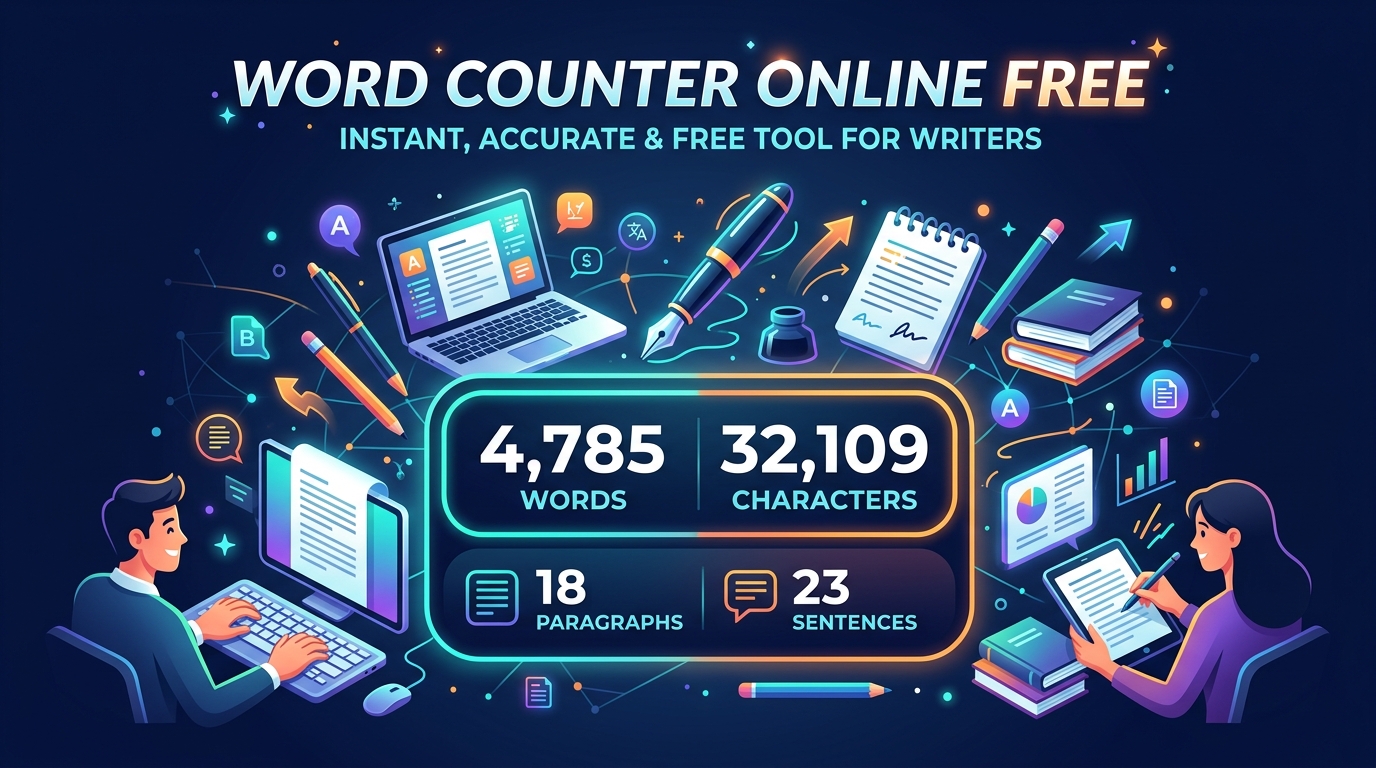
A useful word counter does more than count words. Character counts (with and without spaces), sentence counts, and paragraph counts describe the anatomy of your text — and average sentence length is the single fastest readability check available.
If your average sentence runs over 25 words, you are likely losing readers; 15–20 is comfortable for most audiences. Watching that number while you edit turns 'this feels dense' into a concrete, fixable measurement.
Hitting a Word Count Without Padding
When you're under the minimum, resist the urge to inflate sentences with qualifiers and repetition — graders and editors recognize padding instantly. Add substance instead: another example, a counterargument, a consequence you haven't explored. If the essay genuinely has nothing more to say, the outline is too narrow for the assignment.
When you're over the maximum, cut adverbs, redundant qualifiers ('completely finished'), and throat-clearing openers first. Most drafts lose 10% of their length this way and read better for it.
Security and Local Processing
One thing worth checking in any online counter: where does your text go? Many tools upload what you paste to their servers. Ours processes everything locally in your browser — your draft never touches our server, which matters for unpublished manuscripts, application essays, and confidential work documents.
You get the analytics without the privacy trade-off.